
Blog
Image to PDF guides
How to turn PNG, JPG, HEIC and photos into PDF files on any device, what each method does to your images, and how to check the result. Steps follow Apple, Google and Microsoft documentation; code in the guides was run before it was published.
Formats and what they do inside a PDF
PNG, JPG, HEIC and other image formats: what changes, what stays and what to check.
Change Photo to PDF: Why Renaming the File Does Not Work
To change a photo to PDF you must convert it: renaming photo.jpg to photo.pdf leaves JPEG data inside. A test shows what a real PDF looks like by contrast.
From JPG to PDF: When a PDF Is the Better File Format
From JPG to PDF is not always the right move. When a PDF is the better file format, when to keep the JPG, and what the conversion costs in size and quality.
HEIC to PDF: How to Convert iPhone Photos on Any Device
HEIC to PDF on iPhone, Mac, Windows and Chrome: why some tools reject iPhone photos, which route works on each device, and the Apple and Microsoft steps.
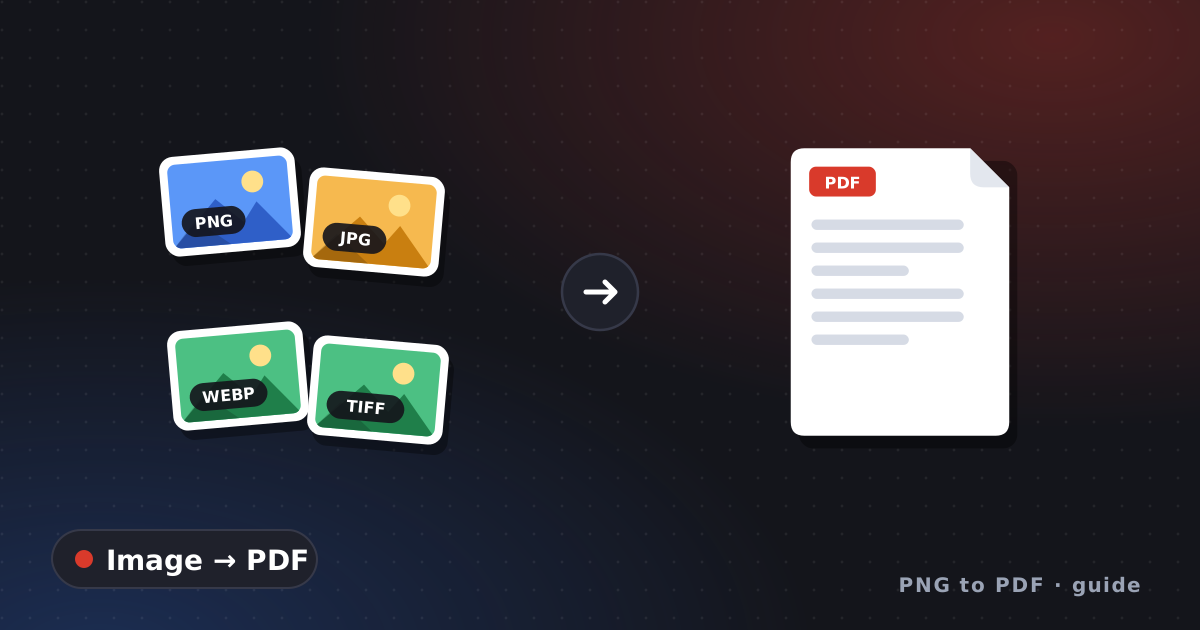
Image to PDF: Which Formats Convert and How They Behave
Image to PDF by format: how JPG, PNG, BMP, GIF, TIFF, WebP and HEIC are handled, with a tested table of what stays unchanged and what gets re-packed.
JPG to PDF: How Quality and File Size Are Affected
JPG to PDF without surprises: whether the JPEG is compressed again, how much the file grows, and a size test you can run on your own tool.
Make a Picture to PDF: Graphics, Logos and Transparency
Make a picture to PDF when it is a logo, drawing or screenshot, not a photo: raster versus vector, transparent backgrounds and tested alpha handling.
Photo to PDF: Orientation, Size and Resolution Tips
Photo to PDF from a phone or camera: why photos come out sideways, how many pixels a page needs, and tested code that fixes rotation before conversion.
PNG to PDF: Every Method, What Changes and What to Check
PNG to PDF explained: which method fits one file or many, what happens to quality and transparency, and a two-minute check for the finished PDF.
Save Picture as PDF from a Website: WebP and Screenshots
Save picture as PDF when the picture comes from a website: why the file may be WebP, two ways to get a clean PDF, and a licence check before you share.
Convert on your device
Step-by-step routes with the tools already on Windows, Mac, Chrome and phones.
Convert JPG to PDF with Built-in Tools on Any Device
Convert JPG to PDF with tools already on your computer: Windows Photos and Microsoft Print to PDF, Mac Finder and Preview. Documented steps, no downloads.
Convert PNG to PDF in Chrome, Word and Google Docs
Convert PNG to PDF with apps you already have: Chrome's print dialog, Word's Save a Copy and Google Docs' Download. Steps, page setup and what goes wrong.
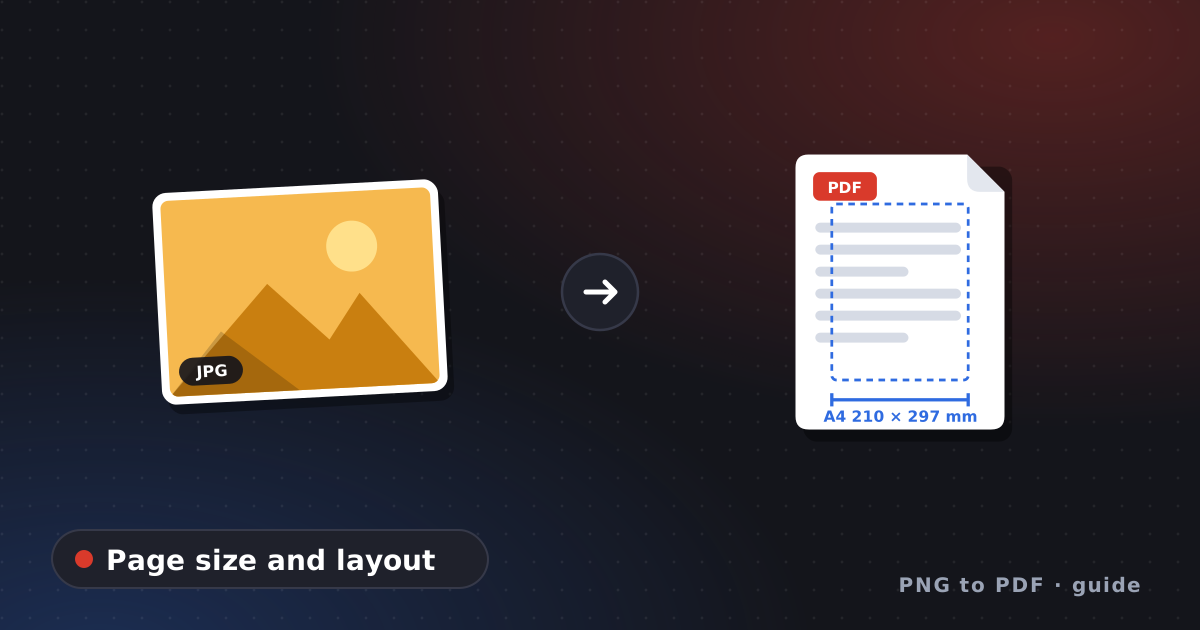
Create PDF from Images: Page Size, Margins and Layout
Create a PDF from images with the page you want: A4 or Letter, margins, fit versus fill, and DPI. Measured results from tested img2pdf and Pillow code.
Photo to PDF Free on iPhone and Android Without Apps
Photo to PDF free on your phone with no app: Apple's Preview export and Files scanner on iPhone, Chrome Print and the Drive scanner on Android.
Save Photo as PDF: How Print to PDF Works on Any Device
Save photo as PDF with the print dialog: how a virtual PDF printer works on Windows, Chrome, Mac and Android, and how it differs from a converter.
Turn Photo to PDF: Pick the Fastest Method in 3 Questions
Turn photo to PDF the fastest way: answer three questions about how many photos, which device and how private, and get the method that fits plus the guide.
Many images, one PDF
Page order, mixed sizes, bulk conversion and albums.
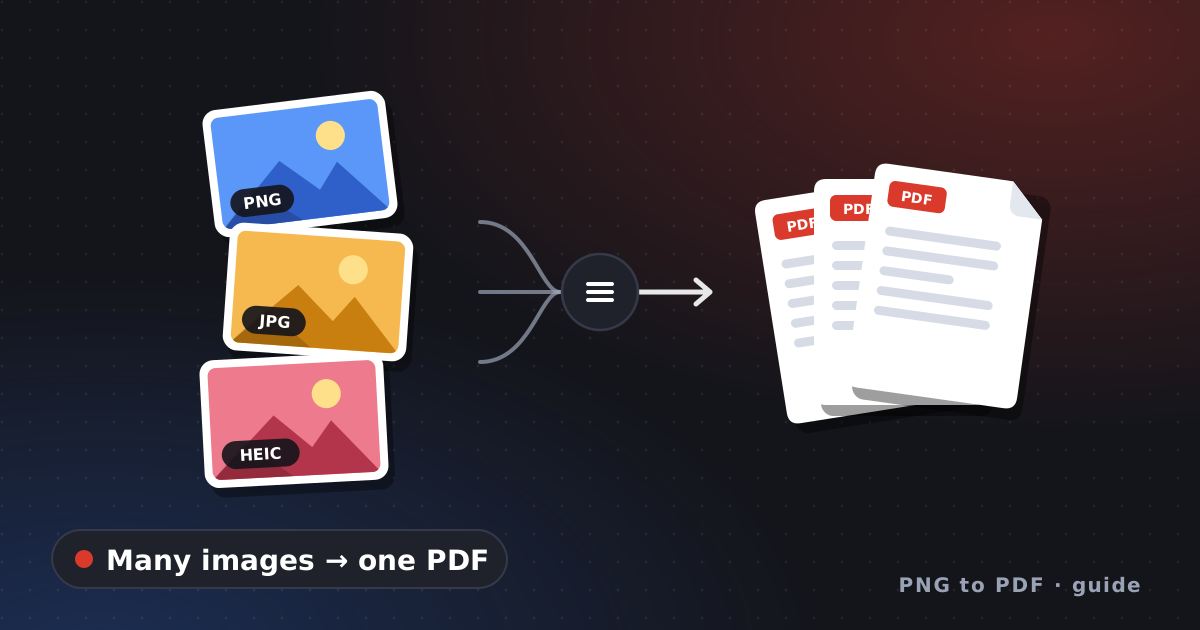
Combine Images into PDF: Page Order, Sizes and Methods
Combine images into PDF with the right page order and consistent sizes. How Finder, Preview, Python and a Chrome extension set the order, plus a final check.
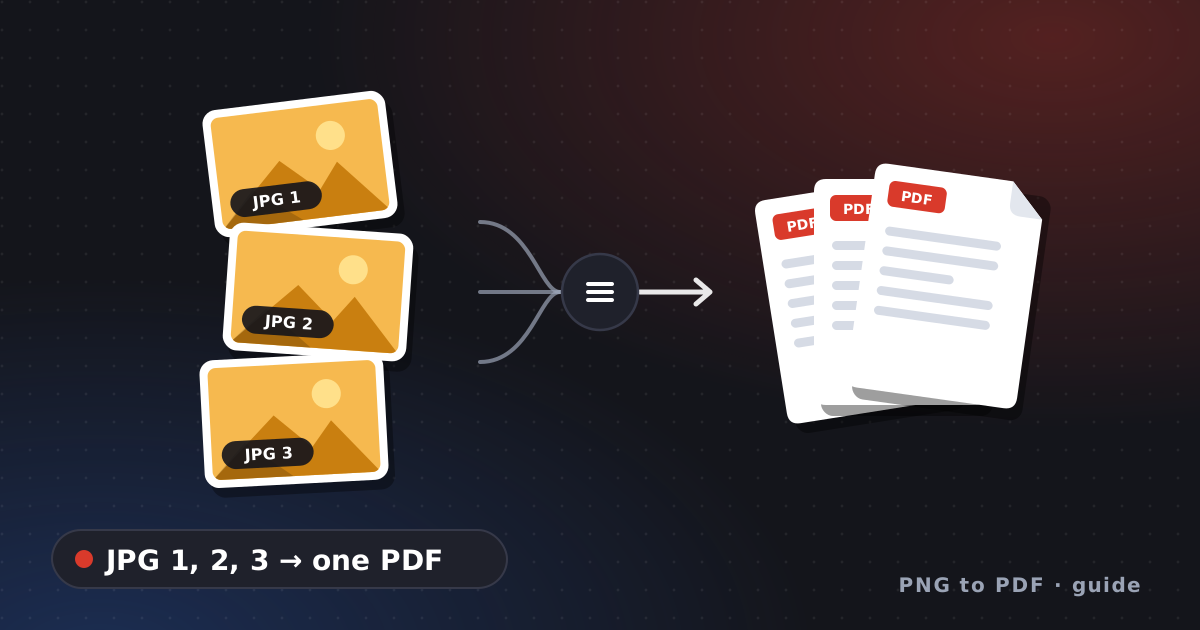
Convert Multiple JPG to PDF: Rotation, Order and Size
Convert multiple JPG to PDF in the right order: why file names sort wrongly, how phone rotation tags behave in tests, and what size to expect. Tested code.
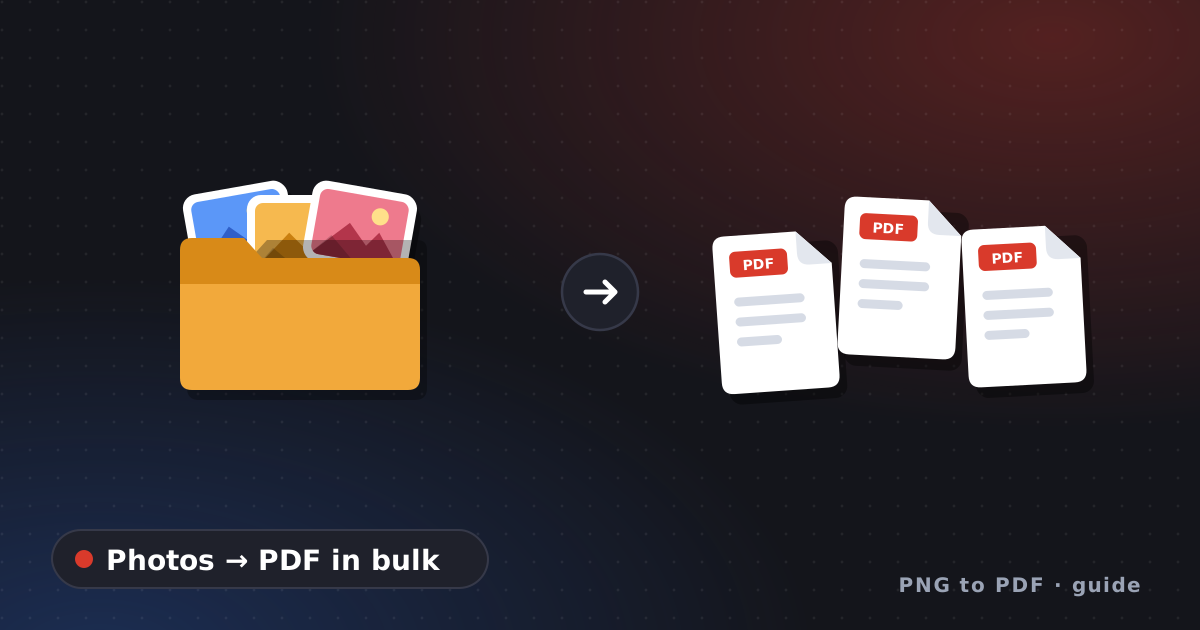
Convert Photos to PDF in Bulk: One File or Many Files
Convert photos to PDF in bulk: decide between one merged PDF and one PDF per photo, name files so the order holds, and run a tested batch script with a ZIP.
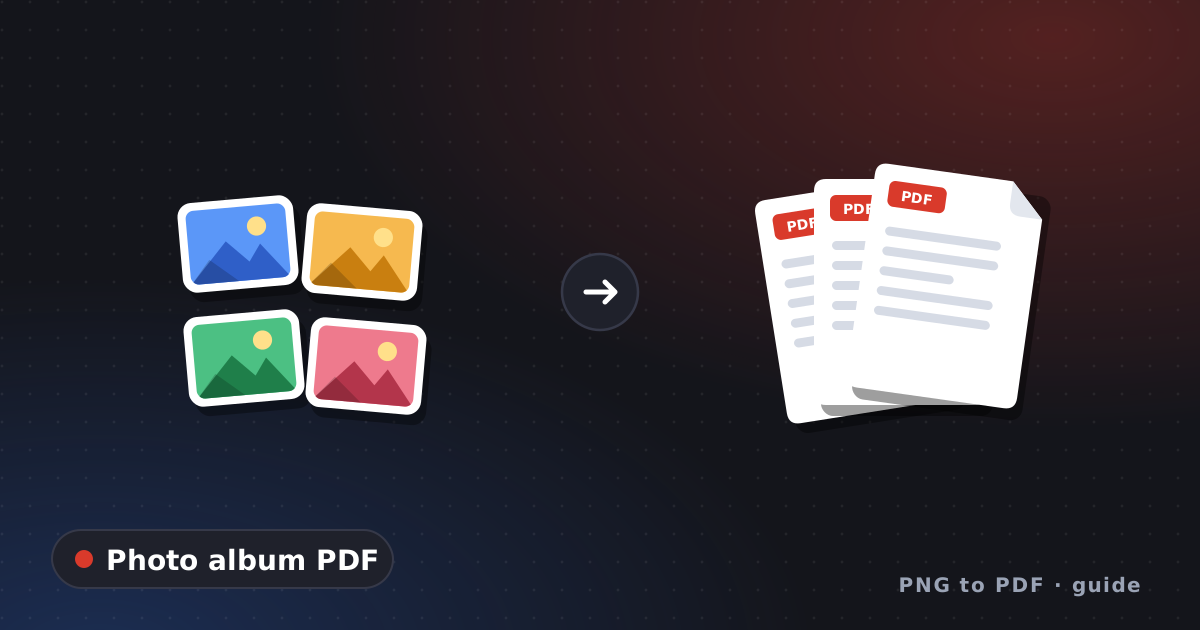
Make PDF from Photos: Albums, Portfolios and Sharing
Make a PDF from photos for an album, portfolio or family share: pick and order the photos, fix rotation, choose a page size and keep the file easy to send.
Free tools, apps and extensions
How to judge free converters, apps, downloads, online services and Chrome extensions.
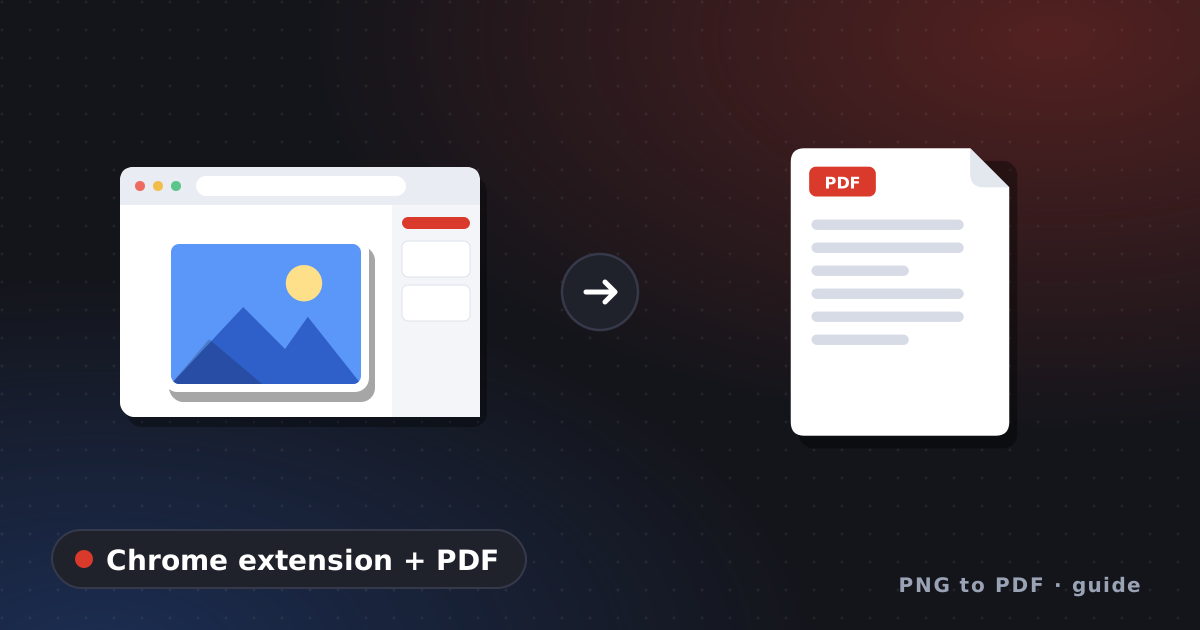
Chrome Extension PDF Tools: What to Check Before Installing
Chrome extension PDF tools range from viewers and editors to image converters. Judge one before installing: permissions, site access, popup or side panel.
Convert JPG to PDF Free: Four Options and Their Limits
Convert JPG to PDF free with built-in tools, a browser extension, an online site or open-source software. What each route costs in privacy, limits and effort.
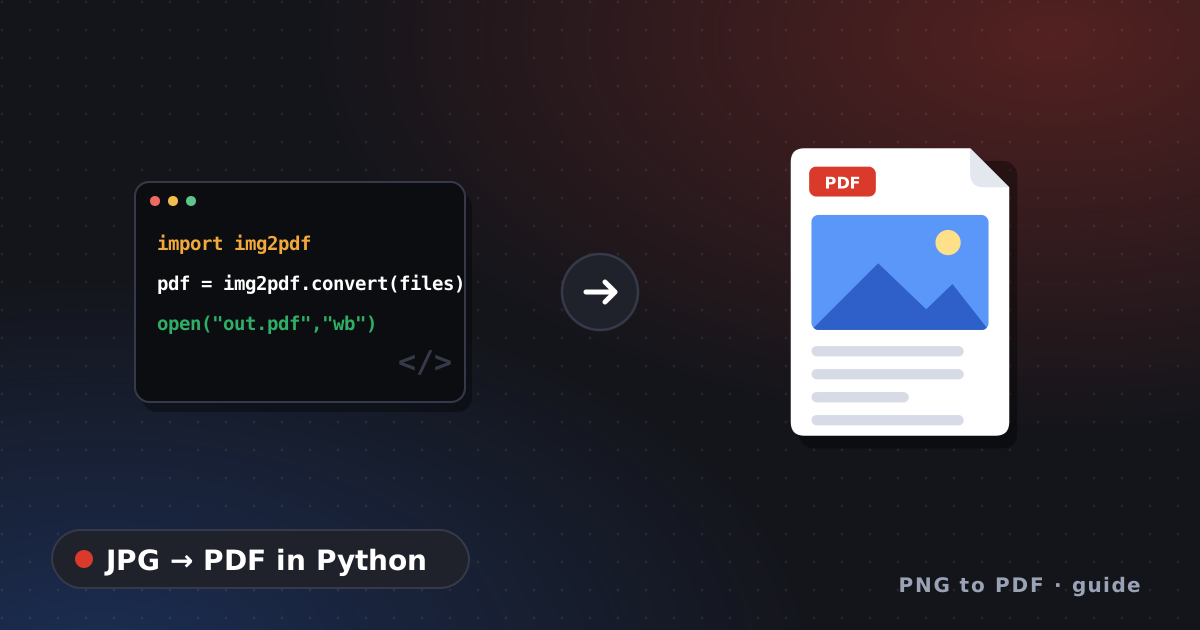
Convert JPG to PDF Tool: Tested Python Code and CLI
A convert JPG to PDF tool in a few lines of Python: img2pdf for lossless embedding, Pillow when you need edits, and a check that proves the JPEG was kept.
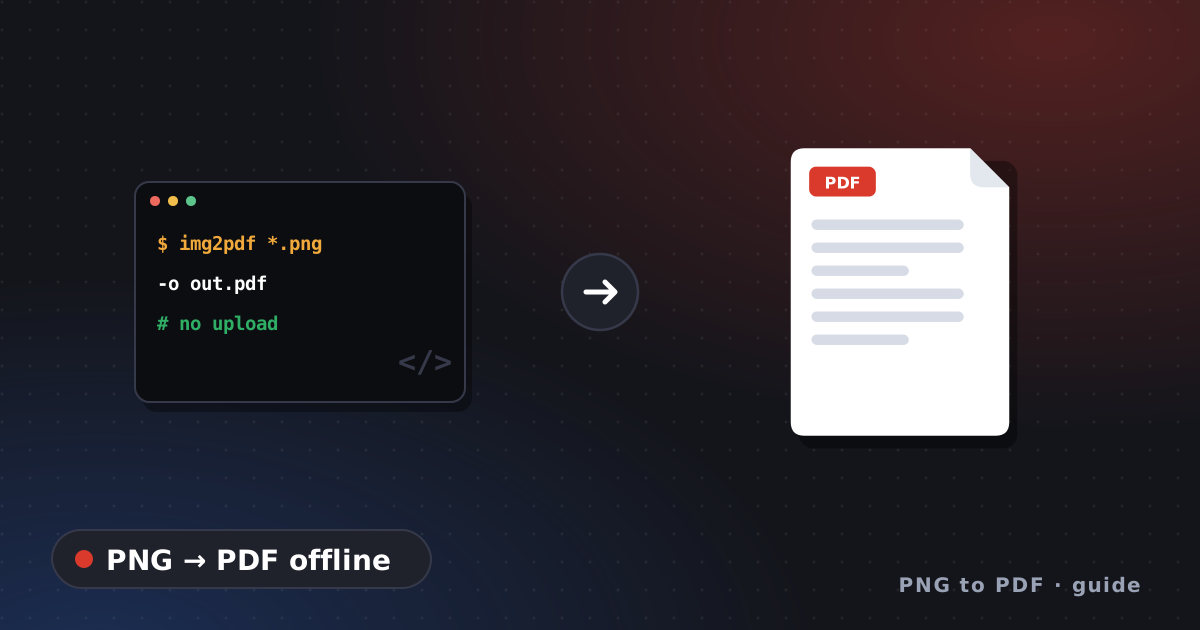
Convert PNG to PDF Free with Offline Command-Line Tools
Convert PNG to PDF free without uploading anything: img2pdf and Pillow commands that were run, what each keeps, and how to set the page size.
Image to PDF Converter Free Download: Verify Before Running
Before you run an image to PDF converter free download, check the source, compare its checksum with Get-FileHash and watch the installer. Safer options too.
Image to PDF Converter Free: Six Checks Before You Pick
Choosing an image to PDF converter free of charge? Six checks for any tool: formats, page order, where files are processed, output, limits and page setup.
JPG to PDF Converter Online: How It Works, What to Check
A JPG to PDF converter online either uploads your files or works in your browser. How to tell which, what to read in its policy, and when to use a local tool.
JPG to PDF Free: Spot Watermarks, Limits and Upsells
JPG to PDF free can mean free with strings attached. A five-minute test for watermarks, file caps, sign-ups and subscriptions before you trust a tool.
Picture to PDF App: What to Check Before You Install
Picture to PDF app listings look alike. How to read the App Store privacy label and Google Play's Data safety section, and spot subscription traps first.
Scans and printed pictures
Resolution, OCR and file size for scanned pages and photos.
Scan Image to PDF: Resolution, OCR and File Size Tips
Scan image to PDF with the right resolution, know why a scanned PDF is image-only without OCR, and keep the file size sensible. Sources from FADGI and Google.
Scan Picture to PDF: Printed Photos and Phone Cameras
Scan picture to PDF from a printed photo: flatbed or phone, the resolution digitization standards suggest, how to avoid glare and what to save the scan as.