
Guide · 3 min read
Convert Multiple JPG to PDF: Rotation, Order and Size
By the PNG to PDF team ·
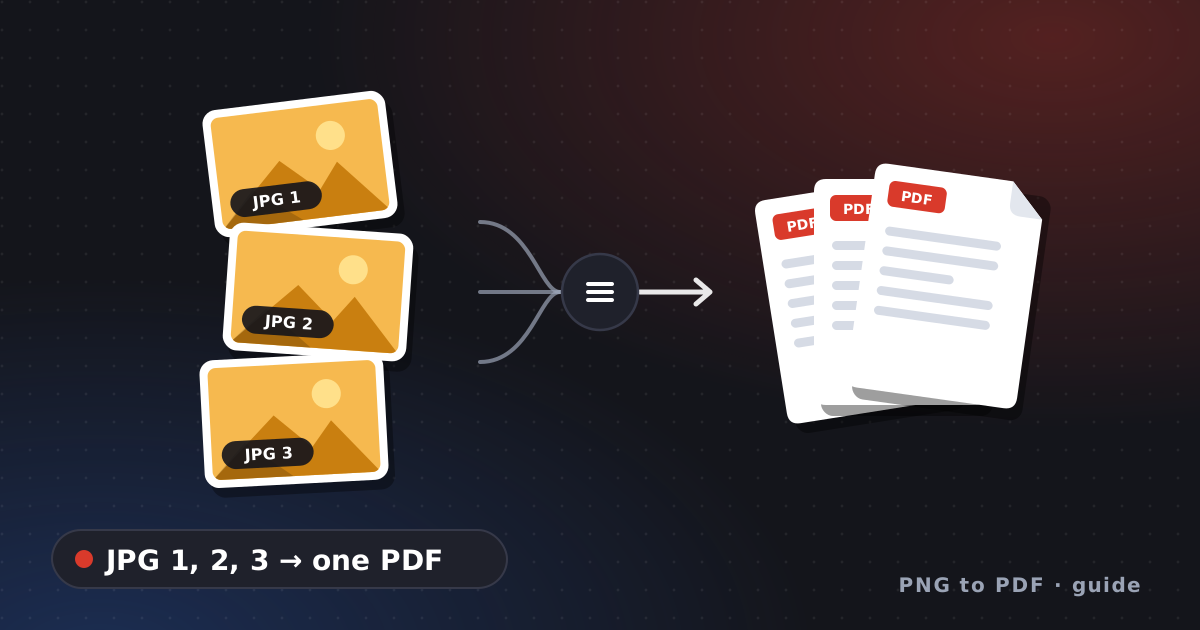
To convert multiple JPG to PDF in one file, give the tool a list in the order you want the pages, check that every picture is upright, and expect the PDF to be about the size of the JPGs together. The first two points cause failures that are easy to miss: file names sort differently from how people count, and phone photos carry rotation tags that some tools ignore.
Convert multiple JPG to PDF: why the order goes wrong
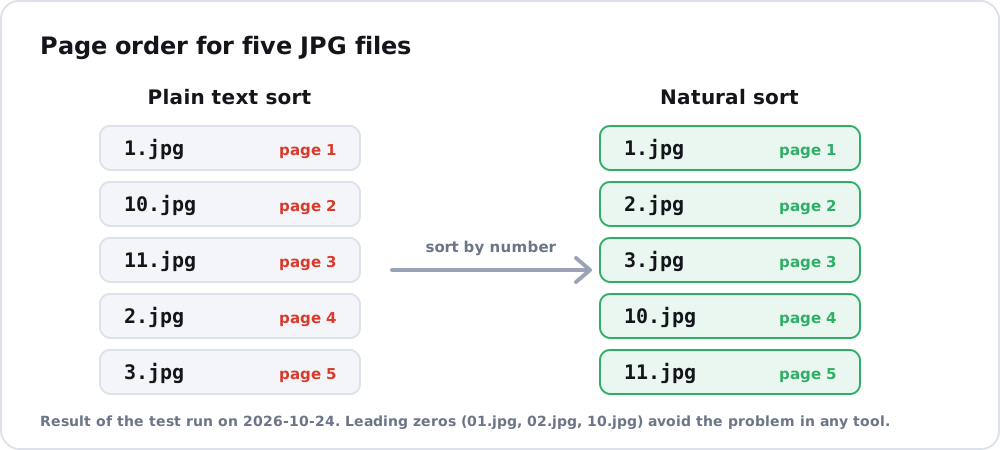
A folder listing sorts names as text. In a test on 2026-10-24, the names 1.jpg, 2.jpg, 3.jpg, 10.jpg and 11.jpg came out as 1, 10, 11, 2, 3 with a plain sort. A natural sort that compares number parts as numbers gave 1, 2, 3, 10, 11. Leading zeros avoid the problem in any tool: name the files 01.jpg, 02.jpg and 10.jpg. If your script builds the list itself, sort it the natural way:
import glob, re

def natural(name):
    return [int(t) if t.isdigit() else t.lower() for t in re.split(r"(\d+)", name)]

files = sorted(glob.glob("photos/*.jpg"), key=natural)
For the order rules of other tools, such as Finder’s selection order, read combine images into PDF.
Convert multiple JPG to PDF: rotation and mixed photos
Photos from a phone may be stored sideways with a tag that tells the viewer to rotate them. In the same series of tests, img2pdf 0.6.3 set a 90 degree page rotation for a JPG tagged this way, so it displayed upright, while Pillow 13.0.0 did not and the page showed the photo sideways. A batch with portrait and landscape photos therefore produces pages of both shapes; the page setup options in create PDF from images make them uniform.
Convert multiple JPG to PDF: the size to expect
JPEG data can be embedded without re-encoding, per the img2pdf project, adding about 500 to 700 bytes per image. A test of 30 generated JPG files totalling 457.9 KB produced a 472.9 KB PDF, 3.3% larger, in 0.29 seconds. A check of the result with pikepdf showed that the image in each page of a three-photo PDF still used the JPEG filter (DCTDecode) with the original pixel sizes of 1200 by 800, 800 by 1200 and 1000 by 1000. If the PDF is much larger or smaller than your JPGs, the tool processed them; JPG to PDF explains what that means, and convert JPG to PDF tool has the full script. For separate files rather than one, see convert photos to PDF.
FAQ
How do I convert multiple JPG files to one PDF?
Pass the files to a tool in page order. In Python, img2pdf.convert(files) writes one multi-page PDF from a list.
Why are my JPG pages in the wrong order?
The tool sorted names as text. Rename with leading zeros or sort the list naturally.
Will many JPGs make a huge PDF?
The PDF is about the size of the JPGs together. In the test the overhead was about half a kilobyte per photo; a huge jump means the tool re-encoded the images.