
Guide · 3 min read
Change Photo to PDF: Why Renaming the File Does Not Work
By the PNG to PDF team ·
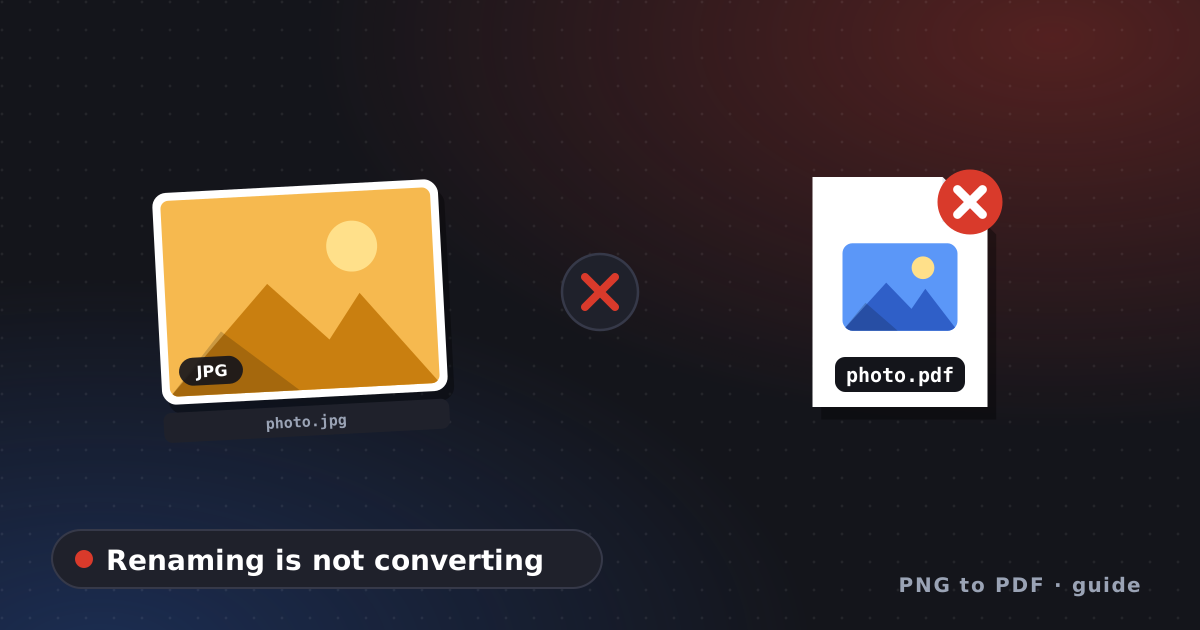
To change a photo to PDF, convert it with a tool that writes a new file; renaming photo.jpg to photo.pdf does not work. A file’s extension is only a label, and the bytes inside stay a JPEG. A PDF reader opens a renamed file and finds no PDF structure, so it either refuses or reports a damaged file.
Change photo to PDF: what the test shows
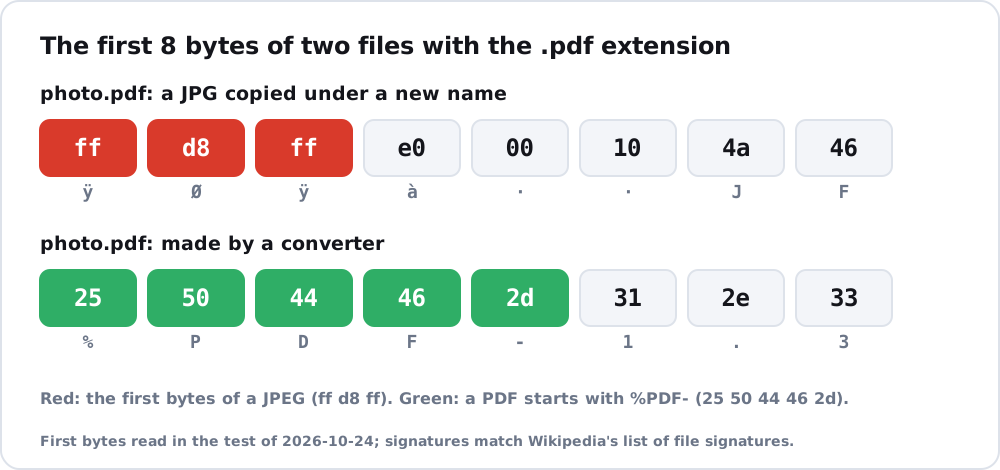
A test on 2026-10-24 copied a JPG and renamed the copy to .pdf. The first bytes of the renamed file were ff d8 ff e0 00 10 4a 46, which is the start of a JPEG (JFIF). A real PDF starts with 25 50 44 46 2d, the characters %PDF-, according to the table of file signatures on Wikipedia. The same JPG converted properly with img2pdf began with 25 50 44 46 2d 31 2e 33. Opening the renamed file with a PDF library failed with the message that it was unable to find the trailer dictionary while recovering a damaged file.
Microsoft’s documentation for Get-FileHash makes the same point from the other side: file names and extensions can be changed without altering the content, and a file’s content can change without changing its name or extension. A name tells you nothing about what is inside.
What changing a photo to PDF really does
A conversion creates a new file that follows the PDF structure and places the photo on a page. Depending on the tool, the photo data is embedded as it is or encoded again, which JPG to PDF explains. Page size and margins are set by the tool or by you, and a multi-page PDF is also possible. The result has the extension .pdf and the structure behind it.
How to change a photo to PDF properly
- For one photo on any device, use Print to PDF, Finder’s Create PDF or a Preview export; turn photo to PDF picks the fastest by device.
- For the idea behind the print route, read save photo as PDF.
- To judge whether a PDF is the right file at all, see from JPG to PDF.
- For other formats such as PNG, WebP and HEIC, image to PDF shows how they behave.
To check a file you already have, open it in a text editor that shows bytes or check its first characters: a PDF begins with %PDF-.
FAQ
Can I rename a JPG to PDF?
You can rename it, but it will not be a PDF. The bytes inside remain JPEG and a PDF reader cannot open it.
Why does my renamed file say it is damaged?
PDF readers look for the PDF header and the structure at the end of the file, and a renamed JPEG has neither.
How do I check whether a file is really a PDF?
Look at its first bytes: a PDF starts with %PDF-. A JPEG starts with ff d8 ff.