
Guide · 3 min read
Combine Images into PDF: Page Order, Sizes and Methods
By the PNG to PDF team ·
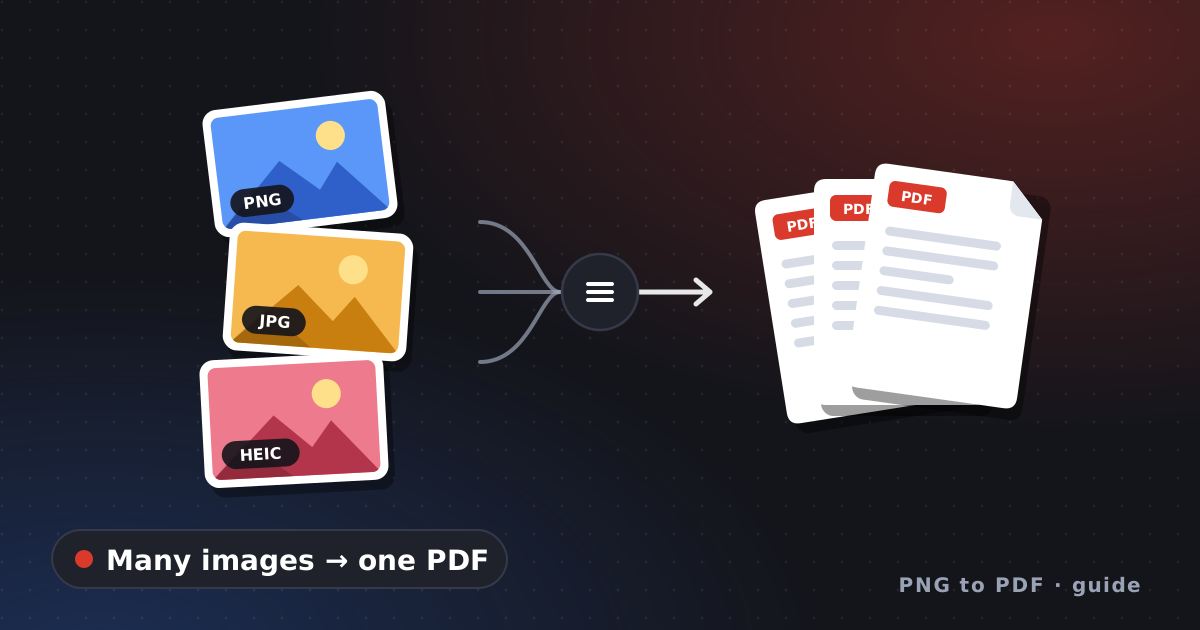
To combine images into a PDF, add them to a tool that writes one page per image, set the order before you export, and check that the pages have the size you expect. The two things that go wrong are page order and mixed page sizes, so this guide covers how each common tool decides them.
Combine images into PDF: how each tool sets the order
Every tool takes the order from somewhere, and knowing the source saves a retry.
| Tool | Where the page order comes from |
|---|---|
| Finder on a Mac (Quick Actions, Create PDF) | The order in which you selected the files, per Apple |
| img2pdf and Python scripts | The order of the file list you pass in; a test with two images kept it |
| Preview on a Mac | Drag page thumbnails in the sidebar after View > Thumbnails, per Apple |
| A Chrome extension such as PNG to PDF | An arrange step before conversion, per its site |
Preview works on PDFs, so Apple’s guide describes combining PDFs rather than raw images: open the PDFs, show thumbnails, drag pages between sidebars, and use File > Duplicate first if you want to keep the originals. For file lists, number the names with leading zeros so that 10 does not sort before 2. The extension processes files inside the extension on your computer and accepts PNG, JPG and HEIC; the site does not publish a limit on the number of images.
Combine images into PDF with different sizes
Images of different sizes produce pages of different sizes unless the tool fixes the page. In a test on 2026-10-24, Pillow with a resolution of 150 produced an 8.27 by 11.69 inch page for a 1240 by 1754 pixel image and a 10.67 by 6.00 inch page for a 1600 by 900 pixel image. img2pdf with an A4 layout function put both on A4 pages. A PDF with mixed page sizes is valid, but it prints and scrolls awkwardly, so pick a fixed page when the PDF is a document. Create PDF from images shows the page setup in detail.
Check the combined PDF
Check the page count, the first and last page, the order of the middle pages, and sharpness at 100% zoom. If you work from many JPG files, convert multiple JPG to PDF adds JPEG-specific checks; for a whole camera roll, see convert photos to PDF. If your files are of several formats, image to PDF shows how each one is handled, and make PDF from photos covers building an album.
FAQ
How do I combine images into one PDF?
Add all the images to a tool that makes a multi-page PDF, set the order, and save one file. Finder, Python’s img2pdf and Chrome extensions all do this.
Why are my pages in the wrong order?
The tool took the order from file names or the order you selected the files. Rename the files with leading zeros or arrange them in the tool.
Can I combine images of different sizes?
Yes, but the pages will differ in size unless the tool sets one page size. Use a fixed page size for a document.